
OnePlus 11 launched on 7th February 2023, and came with OxygenOS 13 out-of-the-box. It was the first device to get a OxygenOS 14 Closed Beta program, and subsequently also the first to receive it as an Open Beta. This trend continues because the OnePlus 11 is the first device to get stable OxygenOS 14, although it’s out only for India so far.
The first build carries the C.38 version number, displayed as 14.0.0.201(EX01). Complete timeline for OnePlus 11 OxygenOS 14 builds:
- 4th August: Closed Beta program starts for India
- 12th September: Open Beta 1 for NA & India
- 25th September: Open Beta 2
- 16th October: Open Beta 3
- 16th November: first stable build for India (14.0.0.201 / C.38)
With every new device receiving a major Android update, we always advise our users to be patient and not jump into it without thinking. Every “first build” — even stable — is usually quite buggy and is almost always met with general disappointment. For example, 9-series got the first stable OOS12 build on 6th December 2021, which was pulled shortly after rollout. It’s worth noting though, that such issues are not a common occurrence these days.
If you wish to update to OOS14, you can do so via the app itself, since full ZIPs are available. Rollback instructions are at the end of this article.
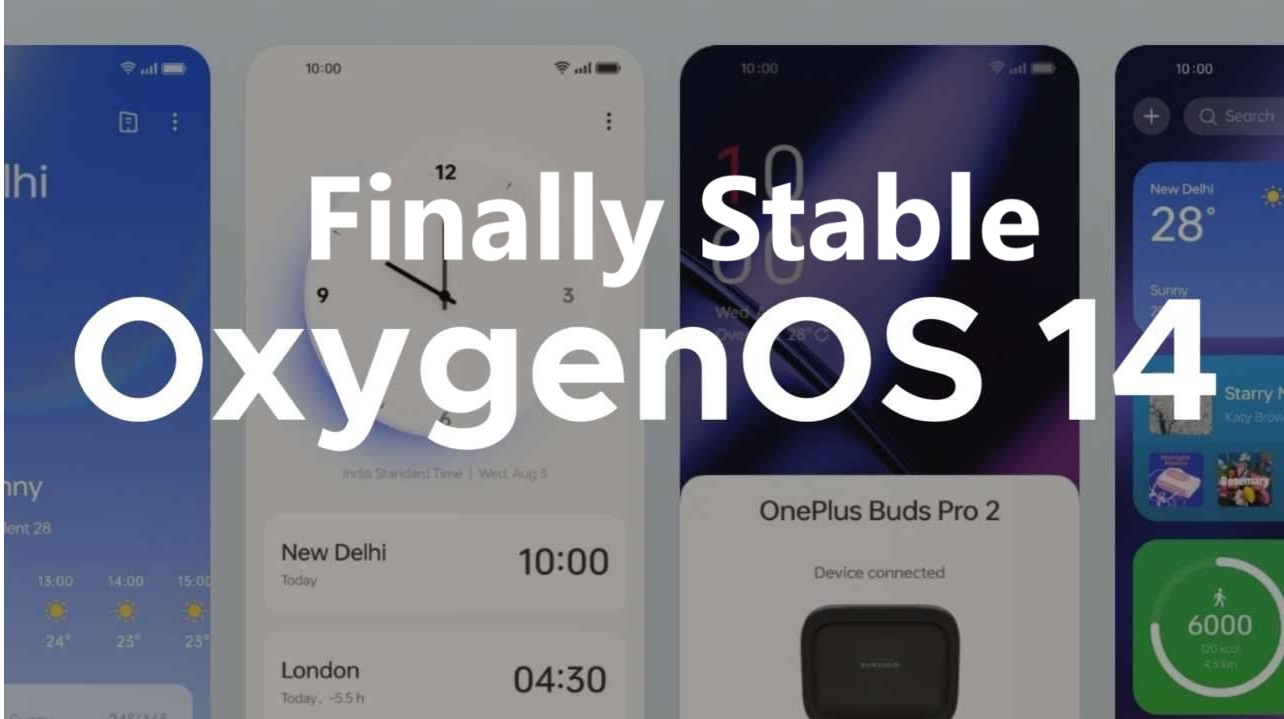
OnePlus 11 OxygenOS 14 Latest Update for India
Changelog for 14.0.0.201(EX01)
- Pantanal Service
- Adds Fluid Cloud, a way of interaction with morphing forms that allows you to view up-to-date information at a glance.
- Adds cross-device support for Fluid Cloud. Now you can check the connection status of devices on your account at a glance.
- Smart efficiency
- Adds File Dock, where you can drag and drop to transfer content between apps and devices.
- Adds Content Extraction, a feature that can recognize and extract text and images from the screen with one tap.
- Adds Smart Cutout, a feature that can separate multiple subjects in a photo from the background for copying or sharing.
- Cross-device connectivity
- Improves Shelf by adding more widget recommendations.
- Security and privacy
- Improves photo and video-related permission management for safer access by apps.
- Performance optimization
- Improves system stability, the launch speed of apps, and the smoothness of animations.
- Aquamorphic Design
- Upgrades Aquamorphic Design with a natural, gentle, and clearer color style for a more comfortable color experience.
- Adds Aquamorphic-themed ringtones and revamps the system notification sounds.
- Improves system animations by making them even smoother.
- User Care
- Adds a carbon tracking AOD that visualizes the carbon emissions you avoid by walking instead of driving.
Where can I install stable OxygenOS 14?
If you’re currently on the stable track, you should have already received a notification from the app about this update. Please ensure you’ve selected either of the stable update methods in the app’s settings, since the beta track doesn’t receive updates separately from stable anymore (post Oppo-merger). Beta track is now meant only for the first few major Android builds, nothing more. Disable advanced mode as well, in case it’s turned on for whatever reason. The stable track will continue to receive updates until the device is marked EOL (End-of-Life).
Once you’re on the main screen of the app, simply download the update presented to you and follow the installation guide.
Can I rollback to OxygenOS 13?
Rolling back will completely wipe all your data, so please take a backup before proceeding.
Make sure you choose the correct rollback package for your device & region. We are providing these links purely for your convenience, as rolling back isn’t natively supported by our app. After downloading the correct rollback package, move the file from the “Downloads” directory to the topmost directory of internal storage (the same directory that the “Downloads” folder is in). Also, ensure it ends with “.zip”.
Then, open Settings -> About device -> Version and tap “Build number” 7 times. This will enable Android’s built-in “developer mode” (you might have to enter your phone’s PIN/password too). Once this is done, “Local install” will once again be visible in Settings -> About device -> Up to date -> top-right button. Alternatively, try this APK instead (provided by OnePlus): https://oxygenos.oneplus.net/OTA-OnePlus-localUpdate-Oplus_key_U.apk. Find it in your app drawer after installing, it should be labeled “System update”.
Rollback packages
The following packages will rollback your device to OxygenOS 13.1.0.591 (A.25), and will wipe all your data. Only Indian rollback ZIP is available, because OOS14 has not rolled out to other regions yet.
- OnePlus 11
Remember: these are rollback packages — they’re not the packages you should download if you’re looking to update to the latest stable version. For that, close this news article and ensure you’ve selected either of the “Stable” update methods in the app’s settings.
Read More: Best Gaming Chair For Back Support